
Build one app that behaves like many
Multi-tenant SaaS is less about “multiple users” and more about running a single application that cleanly separates data, enforces tenant-specific limits, and allows tenant-specific behavior. In no-code and visual development, the common failure mode is duplicating screens per customer to avoid complexity. That works briefly, then collapses under maintenance, compliance, and pricing pressure.
A practical pattern is to keep a single UI and a single code path, then drive isolation, limits, and entitlements from a tenant context resolved at runtime. With a visual app builder like weweb.io, the goal is to centralize tenant rules in a small set of reusable queries, global state, and route guards so the rest of the app stays “normal.”
Core data model for tenant context
You can implement multi-tenancy with different database designs (separate databases per tenant, separate schemas, or shared tables with tenant IDs). In no-code SaaS, a shared database with a tenant_id on every tenant-owned record is the most common starting point because it fits typical backends (Supabase/Postgres, Xano, etc.) and keeps operations simple.
Minimum tables/objects to make the pattern work:
- tenants: id, name, plan, status, created_at
- users: id, email, auth_provider_id
- tenant_memberships: tenant_id, user_id, role
- feature_flags: tenant_id, flag_key, enabled, optional JSON config
- usage_counters: tenant_id, metric_key, window_start, count
Two rules matter more than anything else:
- Every query is tenant-scoped. If a record is tenant-owned, it must always be fetched/updated with tenant_id in the filter.
- The tenant context is computed once and reused everywhere in the UI via global state or shared workflows.
Tenant isolation pattern without duplicating screens
1) Resolve tenant context early
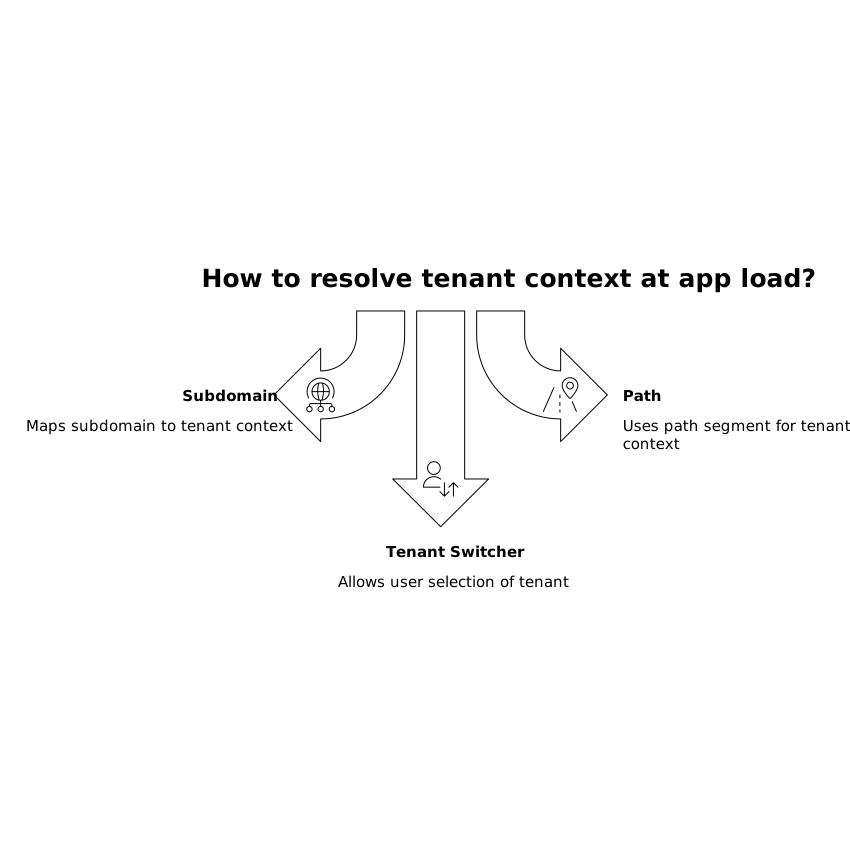
At app load (or on route change), resolve the active tenant and store it in global state. Common strategies:
- Subdomain: acme.yourapp.com maps to tenant “acme.”
- Path: /t/acme/… maps to tenant “acme.”
- Tenant switcher: a user selects a tenant from memberships.
Practical workflow:
- Read identifier (subdomain/path/selection).
- Fetch tenant record (status, plan).
- Fetch membership for current user + tenant (role).
- Store tenant, role, and a derived permissions object in global state.
In WeWeb, this typically becomes an app-level workflow plus a route guard that blocks navigation if tenant resolution fails (unknown tenant, suspended tenant, or no membership).
2) Enforce tenant-scoping in queries and UI components
Once tenant is in global state, every data source call should include the tenant filter. In a no-code editor, the safest approach is to create reusable “data source templates” or a shared query pattern so developers don’t forget the filter when adding new screens.
Also scope mutations. For creates, set tenant_id from global tenant state server-side if possible; otherwise set it in the workflow before calling the API. For updates/deletes, include both record id and tenant_id in the filter.
3) Don’t rely on the UI for security
Visual logic can hide screens, but isolation must be enforced in the backend too (Row Level Security policies, endpoint authorization, or middleware checks). This matters for compliance programs and audits; multi-tenant separation is a standard theme in control testing. If you are organizing evidence and traceability for security reviews, it helps to keep a simple mapping of “tenant isolation control” to specific policies and systems, similar in spirit to a SOC 2 traceability matrix.
Per-tenant rate limits as an application feature
Rate limiting is usually discussed as infrastructure, but in SaaS it’s also product behavior: different plans, burst vs sustained usage, and protection from noisy neighbors. A practical pattern is to implement soft limits in the UI (for immediate feedback) and hard limits in the backend (for enforcement).
UI-side soft limits
Use tenant plan + counters to show remaining quota and disable certain actions before the user hits the wall. Example: show “8 of 10 exports used today” and disable the export button when exhausted. This reduces support tickets and aligns expectations.
Backend hard limits with counters and windows
For enforcement, implement a simple counter per tenant and metric within a time window:
- Metric keys: api_calls, exports, messages_sent, workflow_runs
- Windows: rolling 24h, calendar day, per minute, per month
Each request that consumes quota increments the counter atomically. If the tenant is over limit, return a clear error code and message, plus a “retry after” hint if you can. In a no-code front end, handle that error centrally: show a plan-aware message and route to billing or usage screens.
One implementation detail that prevents edge cases: store window_start and compute the active window server-side, rather than trusting the client clock.
Per-tenant feature flags without branching your UI into chaos
Feature flags solve two problems: controlled rollout (beta programs) and plan entitlements (paid tiers). The goal is a single screen that adapts itself based on flags, not multiple versions of the same page.
Flag types that work well in no-code
- Boolean flags: enable/disable a feature for a tenant.
- Config flags: enabled plus JSON config (limits, default settings, UI text).
- Permission-derived flags: computed from role + plan (e.g., “can_invite_users”).
How to wire flags into a visual editor
Pattern:
- On tenant resolution, fetch all flags for tenant and store them in global state as a dictionary by key.
- Create helper formulas like hasFlag('advanced_exports') or flagConfig('branding').
- Use conditional rendering for components and conditional steps in workflows.
Keep flags coarse. Instead of 25 UI micro-flags, define a few “capability” flags that represent product value, then let the UI derive details from config. This reduces maintenance and avoids inconsistencies where a button is hidden but the route still exists (or vice versa).
Tenant-aware route guards and workflows
Most duplicated-screen debt comes from trying to handle tenant differences inside each page. A better approach is to move tenant logic up to:
- Route guards: tenant exists, membership exists, tenant status active, role allowed.
- Shared page layouts: a single shell that reads tenant branding and navigation settings.
- Central error handling: over-limit, forbidden, suspended tenant, missing flag.
This keeps your page components focused on business UI, not tenant plumbing. It also makes it easier to audit behavior and reason about isolation and entitlements.
Operational checklist for maintaining isolation and controls
- Schema discipline: tenant_id is required on every tenant-owned table, indexed, and included in all filters.
- Backend enforcement: RLS/policies or middleware checks; never rely on hidden UI alone.
- Central tenant context: resolved once, stored globally, refreshed on auth change and tenant switch.
- Consistent error responses: clear “over limit” vs “forbidden” vs “not found.”
- Flag hygiene: documented keys, owners, and removal dates for temporary rollout flags.
If you need a process for turning these controls into auditable artifacts, the approach used to build a control-to-system traceability matrix can help align “tenant isolation,” “rate limiting,” and “access control” with specific endpoints, policies, and data stores. See a practical SOC 2 evidence-to-traceability workflow for a structured way to do that.